Local AI Is Finally Usable: What It Changes for Students, Teachers, and Small Creative Teams
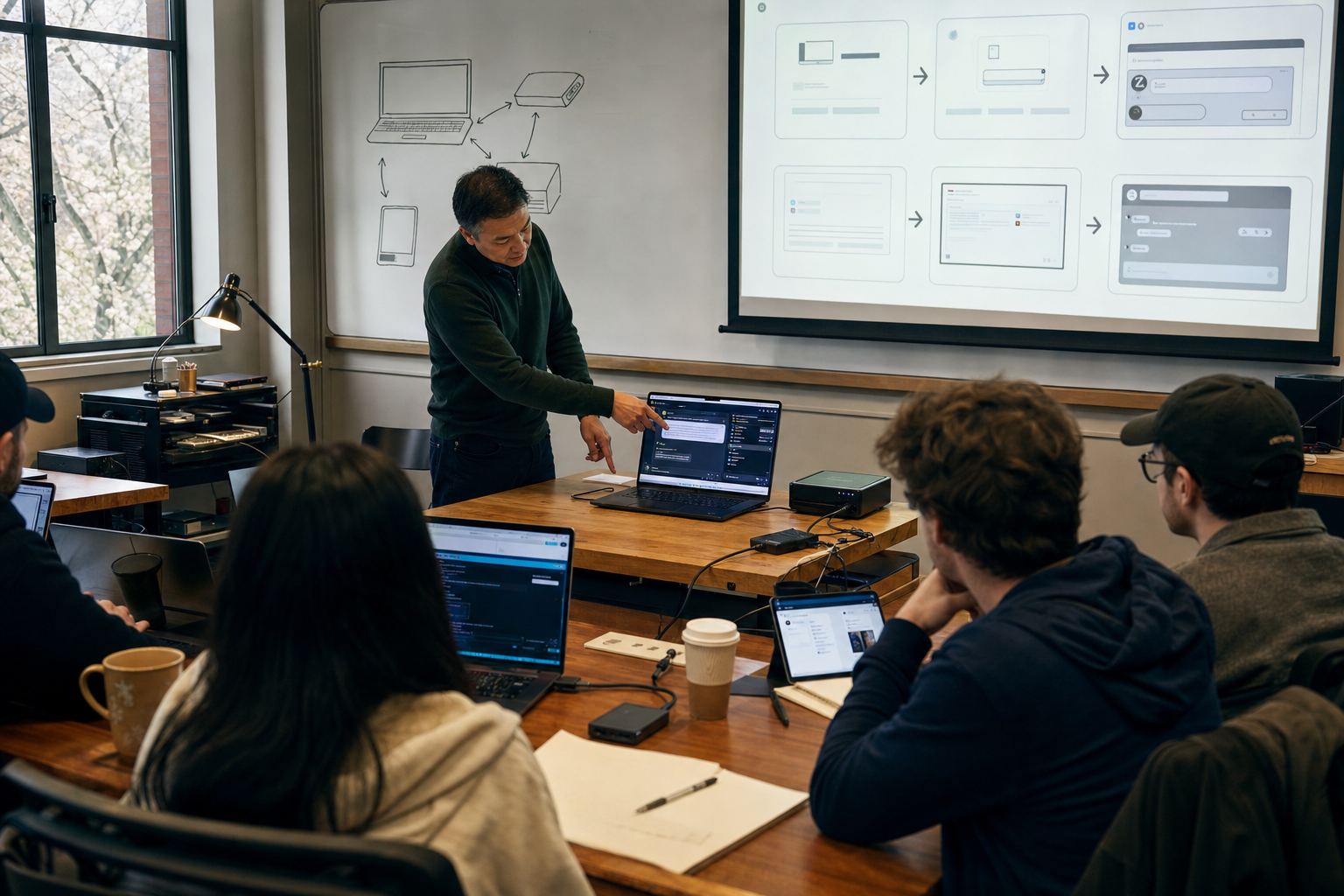
Local AI has moved past the stage where it was mainly a hobby for developers. Today, many people can run a useful language model on a reasonably modern laptop, desktop, or even some phones. The change is practical, not theoretical: the models are smaller, the software is easier to install, and the results are now good enough for everyday tasks such as drafting, summarizing, translation help, and working with personal documents.
That matters because it changes who can use AI and on what terms. If the model runs on your device, you do not need constant internet, you do not have to send every file to a remote service, and you may not need a monthly subscription. For students, teachers, and small creative teams, especially in places where internet access is uneven or budgets are tight, that is a real shift. The debate is whether this new control is worth the trade-off. Cloud systems are still stronger for many hard tasks. My view is that local AI is not a full replacement for the best online tools, but it has become good enough to change everyday work.
What “local AI” actually means
Local AI means the model runs on your own device instead of on a company’s server. In the best case, your prompts, notes, drafts, and PDFs stay on that device. For people working with student records, early manuscript drafts, internal plans, or personal study notes, that is a meaningful difference.
It is also important to be precise. “Local” does not automatically mean “fully private.” Some apps still connect to the internet for updates, web search, voice features, or cloud add-ons. Users need to check settings and understand what the software is doing. Privacy is improved by local use, but it is not guaranteed by default.
A second point matters just as much: usable does not mean perfect. A modern laptop with enough memory can now handle smaller models well for many text tasks, but speed and quality still vary. Some phones can run compact models, but for schools and small teams, a laptop is still the more realistic starting point.
This is a real shift, not just a cheaper version of cloud AI
The basic facts are clear. Open models have improved. Software has become friendlier. Compression methods let useful models run on consumer hardware. Two years ago, many non-technical users would have given up during setup. Today, they can install a desktop app and start testing in minutes.
The bigger change is economic and practical. In many parts of the Arab world, subscription prices can be hard to justify in local currency, and internet access is not always stable. A school may not be able to pay for many cloud accounts. A student may have one decent laptop but no reliable connection at home. A small studio may want AI help without exposing client material to outside platforms. Local AI does not solve every problem, but it removes several barriers at once.
- Lower ongoing cost: once the software is installed, many tasks can be done without paying per use.
- Offline access: useful for travel, unstable internet, and classrooms with weak connectivity.
- More control over documents: especially important for student work, internal files, and early creative drafts.
- Faster work on narrow tasks: local models are often good at repeating a workflow with your own files.
The main trade-off: control versus capability
This is where the hype needs a limit. The best cloud models still have clear advantages. They are usually stronger at complex reasoning, broader world knowledge, coding help, multimodal tasks, and polished long-form output. They are also easier to combine with web search and other online tools.
Local models are strongest when the task is close to your own material. Give them your lecture notes, your lesson plan, your interview transcript, your draft brief, and they can often help quickly. Ask them for the latest research findings, precise citations, or the most current news, and they may fail badly unless you supply recent documents.
That is why the smartest position is not “local replaces cloud” or “local is still a toy.” The smarter position is more modest: use local AI first for private, routine, and offline work; use cloud tools selectively for the hardest, newest, or most public-facing tasks.
What changes for students
For students, local AI can be genuinely useful. A student can turn lecture notes into practice questions, ask for a paragraph to be rewritten in simpler English, summarize a long article, or compare two explanations of the same idea. For language learners, it can help with vocabulary, grammar checks, and short conversation practice. For students who are uncomfortable uploading personal drafts to public chatbots, local use offers a safer option.
There is also a simple budget advantage. A student who cannot keep paying for subscriptions may still be able to use a local model on an existing device. That matters more than many AI discussions admit.
But the risks are real. Local models still make up facts. They can produce wrong citations, weak explanations, and confident nonsense. They can also encourage passive learning. If a student uses AI to replace reading, thinking, and writing, the tool becomes a shortcut to weaker understanding.
The best use for students is not “do my work.” It is “help me work with my material.” That includes:
- turning notes into flashcards or quiz questions
- explaining a difficult paragraph in simpler language
- checking whether an argument is clear
- organizing a study plan from course topics
- comparing a first draft with assignment requirements
Students still need to verify facts, especially in science, law, medicine, and history. And they need to follow school rules. A private tool can still be used dishonestly.
What changes for teachers
For teachers, the local option may matter even more. Many educators have avoided public AI tools because they do not want to paste student information, internal assessments, or school documents into outside systems. Local AI lowers that barrier.
A teacher can use a local model to draft a worksheet, generate quiz variations, rewrite a reading passage at different levels, summarize a policy document, or prepare discussion questions from a chapter. In bilingual settings, it can help produce a simpler English version of a text or a first Arabic adaptation that the teacher then reviews.
This is where the promise is strongest: not replacing teaching, but reducing repetitive preparation work.
Still, local use does not solve governance on its own. Schools need clear rules on what data may be entered, who maintains the devices, how outputs are checked, and whether parents and staff understand the limits. If a laptop is unsecured, “local” is not safe. If teachers accept generated material without review, “local” is not reliable.
There is also a quality issue. Educational language needs precision. A model may simplify a concept so much that it becomes misleading. It may also reflect bias or produce awkward phrasing, especially across languages. Teachers should treat local AI as a draft assistant, not as a curriculum authority.
What changes for small creative teams
For small creative teams, local AI is less about magic and more about workflow. A two-person studio, student media group, podcast team, design collective, or small agency can use it to summarize meetings, clean up interview transcripts, suggest headlines, create rough outlines, group research themes, and generate variations of captions or project descriptions.
The privacy advantage is obvious. Early campaign ideas, client notes, script drafts, and internal discussions do not have to leave the team’s device. For teams handling sensitive pitches or unreleased work, that alone may justify a local setup.
There is also a cost advantage. A shared workstation can support a team’s routine text tasks without constant API charges or separate subscriptions for each member.
But small teams should not confuse speed with quality. Local models often sound generic on first output. They may miss tone, brand nuance, cultural context, or factual detail. They are usually better at helping a team get from a blank page to a rough structure than at producing final copy worth publishing.
That is not a weakness if the team uses it well. The strongest creative use of local AI is to compress repetitive work and protect sensitive material, while keeping human judgment for taste, accuracy, and final decisions.
The Arabic question should not be ignored
For Arabic-speaking learners and educators, the story is promising but uneven. Some local models now handle Modern Standard Arabic reasonably well for summarization, drafting, and explanation. But quality varies a lot with dialects, code-switching, grammar detail, and domain-specific vocabulary.
That means schools and teams should not judge local AI by English demos. They should test it on real material:
- a school science passage in Arabic
- a university essay draft
- a bilingual worksheet
- a Gulf, Levantine, or North African user message if dialect matters
- a translation task where tone and meaning both matter
Sometimes the biggest problems are not in the model itself but in the surrounding tools. Right-to-left formatting, PDF extraction, and mixed Arabic-English text can still break in annoying ways. For everyday users, that matters as much as benchmark scores.
The counterpoint: local AI is still not easy for everyone
It would be unfair to pretend that every student, teacher, or small team is ready to adopt this tomorrow. Hardware still matters. Older laptops may be too slow. Setup is much easier than before, but it can still be confusing for non-technical users. Someone has to choose the model, manage storage, update the software, and explain what the system can and cannot do.
There is also a false economy to avoid. Saving money on subscriptions can be cancelled out by staff time spent troubleshooting. A school with weak IT support may find that a simple cloud tool is still more practical for some uses. And if a team needs the strongest possible performance every day, local models may disappoint.
These are serious counterpoints. They do not weaken the main argument. They simply mean the right path is gradual adoption, not grand claims.
How to adopt local AI without creating new problems
The sensible approach is small and specific. Do not begin with a promise to “bring AI into everything.” Begin with one workflow where privacy, cost, or offline access clearly matter.
- Start with a narrow use case: lesson drafting, note summarization, transcript cleanup, or study-question generation.
- Test with known material: use documents where you already know the correct answers.
- Check Arabic performance early: especially if your users work across dialects or bilingual content.
- Keep human review mandatory: never treat generated output as final.
- Write a simple policy: what data is allowed, who reviews outputs, and when cloud tools are still permitted.
That approach keeps expectations realistic. It also helps institutions learn where local AI genuinely saves time and where it merely adds another layer of software.
A practical shift, not a perfect one
The useful question is no longer whether ordinary people can run AI locally. They can. The better question is what work should stay on the device, and what work still deserves the cloud.
For students, teachers, and small creative teams, that distinction matters more than model rankings. Start with private, repetitive, document-based tasks. Test with real Arabic and English material. Keep people in charge of facts and final decisions. Use local AI where its strengths are clear: privacy, predictable cost, and access that does not disappear when the internet does.
That is not a revolutionary slogan. It is a practical shift. In education and small-team work, practical shifts are usually the ones that last.