Beyond the Chat Window: How Multimodal AI Could Change Accessibility for Everyday Users
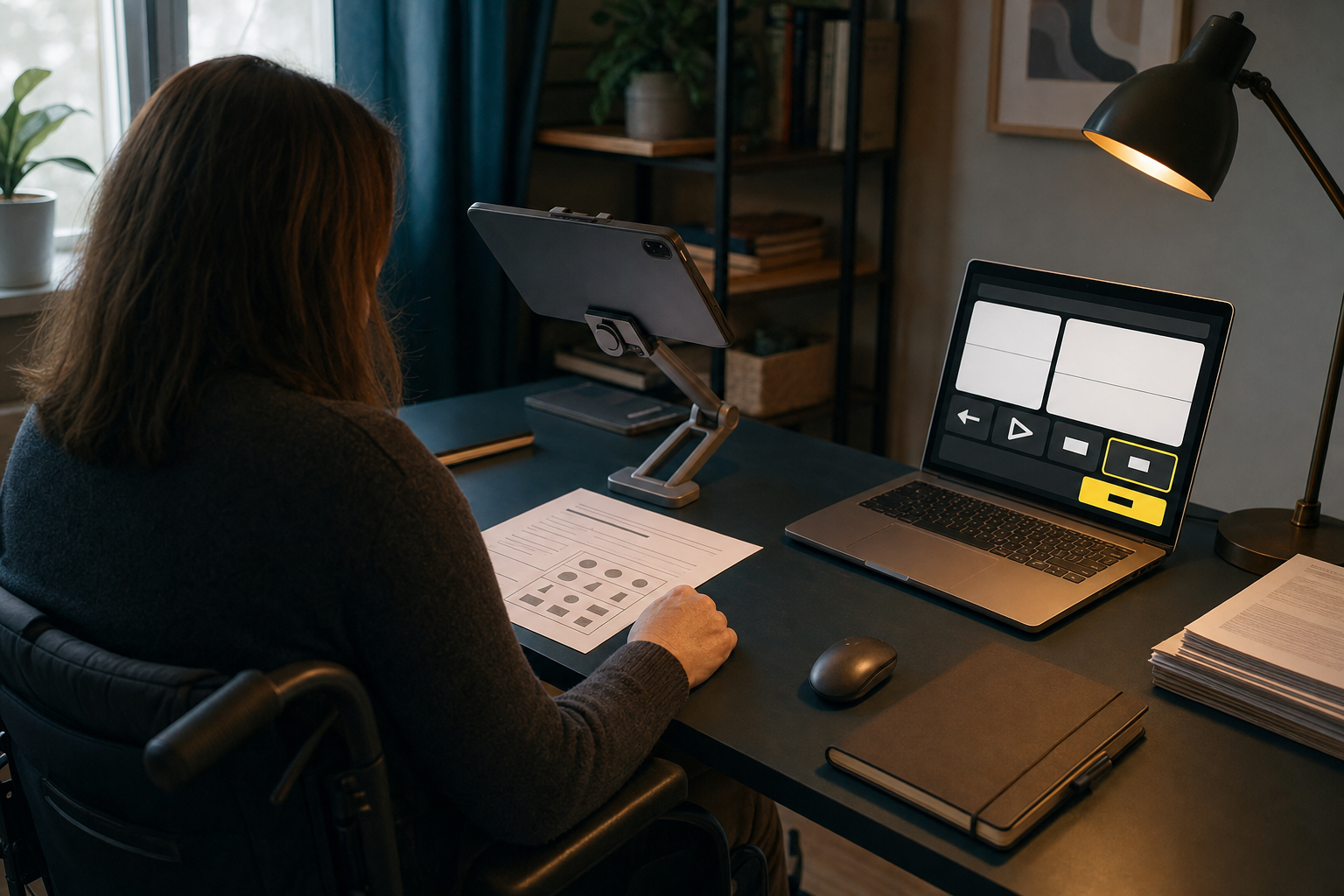
Recent multimodal AI releases point to a shift beyond the standard chatbot. New models are being built to handle text, images, documents, screenshots, and sometimes audio in the same system. That matters because many real accessibility problems are not just writing problems. They are tasks like reading a paper form, understanding a chart, locating the right button on a screen, or turning a dense school handout into plain language.
The central debate is whether this will produce real access gains or just add another layer of automation on top of products that are already hard to use. My view is straightforward: multimodal AI could become one of the most useful consumer accessibility tools in years, especially for people with visual, cognitive, motor, or learning disabilities and for users with low digital confidence. But that will only happen if the tools are reliable, private, and built into clear workflows. If companies use AI as an excuse to avoid proper accessibility, the same users it promises to help will carry the risk.
The model names matter less than the direction of travel. Across the industry, the focus is moving from text-only assistants to systems that can work across formats. Some of these abilities are still early or uneven in practice, but the direction is clear enough to take seriously.
Why multimodal matters more than a smarter chatbot
Text-only AI was always limited as an accessibility tool. It could summarize an article or draft an email, but many access barriers begin somewhere else. A blind user may need a photo described, then a chart explained, then a screen element located. A person with dyslexia may need a letter read aloud, simplified, and broken into steps. An older adult may not know what to ask in the first place. They may simply need a button that says Explain this page.
This is why multimodal AI matters. In the best case, one system can connect OCR, image description, speech input, translation, and plain-language explanation in a single flow. That is not a small upgrade. It changes the kind of help AI can offer.
For many users, the value is not speed or novelty. It is independence. If a person can understand a utility bill, school notice, or benefits form without waiting for someone else to help, that is a practical improvement in daily life.
Where the benefits could show up first
The most useful gains will probably be ordinary rather than futuristic.
- Reading documents: A phone camera can capture a paper letter, medicine leaflet, school memo, or utility bill. A multimodal assistant may read it aloud, summarize the key points, and answer simple follow-up questions such as the due date or the next action.
- Describing images and charts: For blind or low-vision users, the tool may go beyond generic alt text and explain what matters in context, such as which bar is highest, what warning appears on a package, or where a signature line is located on a form.
- Navigating interfaces: A screenshot-based assistant can help a user understand icons, locate settings, or move through a confusing page one step at a time. For someone stuck on a checkout page or government portal, that could save a lot of frustration.
- Supporting learning: Students can ask for a diagram, worksheet, or slide to be explained in simpler language, turned into bullet points, or read aloud. That may help learners with dyslexia, ADHD, or limited confidence in the language used at school.
- Bridging speech and text: Some users find speaking easier than typing. Others understand better when the answer is spoken back to them. Multimodal systems can support both, which matters for motor impairments, fatigue, and low literacy.
People already use separate tools for many of these jobs: screen readers, OCR apps, captioning tools, translation tools, and voice assistants. The promise here is not that AI invented accessibility. It is that one flexible system might reduce the number of steps needed to get from confusion to understanding.
Why the blank chat box is not enough
The phrase beyond the chat window matters. Many people who could benefit from AI do not want to learn how to prompt it well. A blank box can feel simple to experienced users, but it can be a barrier for someone who is unsure what to ask, worried about making a mistake, or already stressed by the task in front of them.
For accessibility, the strongest design may be the least glamorous one. A browser action that says Summarize this page. A camera option that says Read this letter. A phone feature that says Describe my screen. Clear, guided actions are often more accessible than open-ended conversation.
This is especially important for older adults, non-native English speakers, and people with low digital confidence. Accessibility is also broader than permanent disability. A broken wrist, a noisy room, tired eyes, a small screen, or unfamiliar paperwork can create temporary access problems for almost anyone. Good tools should meet users where they are, not assume they know how to talk to a model.
The limits are not side issues
Still, the risks are real, and they are not minor. If a model misreads a medical instruction, invents a chart value, or points to the wrong button on a payment screen, the result can be more than inconvenience. It can cost money, waste time, or create a safety problem.
Accuracy remains uneven. Image descriptions can miss details that matter. Spoken input can fail with accents, speech differences, or background noise. Simplified summaries can strip out nuance that is important in legal, educational, or financial settings. And interface guidance is fragile because apps and websites change constantly.
There is also a trust problem. If a user cannot easily tell when the system is confident and when it is guessing, they may place too much weight on a weak answer. That is a serious issue in accessibility, where people often use assistive tools precisely because they need dependable help.
Privacy may be the biggest overlooked concern. The tasks that benefit most from multimodal AI often involve sensitive material: ID documents, benefit letters, school records, bank statements, home images, and surroundings captured on camera. If all of that must be sent to remote servers, convenience may come at too high a price. On-device processing, clear data policies, and real user control are part of accessibility, not an extra feature.
Cost matters too. Some of the best multimodal systems require subscriptions, newer hardware, or fast internet. If the strongest accessibility layer is locked behind premium products, then access improves for some users while the gap widens for others.
AI help is not a substitute for accessible design
This is the counterpoint that deserves the most emphasis. If a website lacks keyboard support, clear labels, proper headings, readable contrast, captions, or meaningful alt text, an AI assistant should not be treated as the fix. It may help after the fact, but it is still a workaround.
A correctly labeled form field works every time. Clear language on a public service website helps everyone before any AI tool is opened. A well-captioned video is more dependable than a generated summary. The basics still matter because they are stable, testable, and available to all users, not only to those with the newest AI feature.
That is why regulation and procurement still matter. Schools, banks, employers, and governments should not lower accessibility standards because an AI assistant can sometimes smooth over bad design. The right goal is better native accessibility plus useful AI support where it adds value.
What responsible rollout should look like
If companies want these tools to improve access rather than simply market it, a few rules should be non-negotiable.
- Test with disabled users from the start: Not only at launch, and not only with internal teams.
- Offer guided actions, not just chat: Common tasks should be easy to begin with one tap or one voice command.
- Show uncertainty clearly: Users need signals when the system may be guessing, plus simple ways to verify important details.
- Protect sensitive material: Minimize data retention, explain where uploads go, and provide on-device options when possible.
- Keep the basics strong: Captions, screen-reader support, keyboard navigation, readable layouts, and proper labeling remain essential.
- Design for different kinds of users: That includes different languages, literacy levels, devices, and connection speeds.
The test is not whether a demo looks smooth. The test is whether a real person can complete a real task with less friction and less dependence on someone else.
The right standard is practical
Multimodal AI could make accessibility more immediate and more mainstream. A tool that can look at a document, hear a question, explain a screen, and respond in plain language has obvious potential. For many people, that could mean fewer dead ends and fewer moments of asking someone else to step in.
But the standard should stay practical. Can someone catch the right bus, finish the school form, understand the hospital letter, or use the app without guessing? Can they do it reliably, privately, and without paying a premium just to reach the starting line?
If multimodal AI helps with that, it will deserve the attention now gathering around it. If it does not, then it is not a breakthrough in accessibility. It is just another feature that arrived before the basics were fixed.