AI Automation: What Can Be Automated and What Still Needs Humans
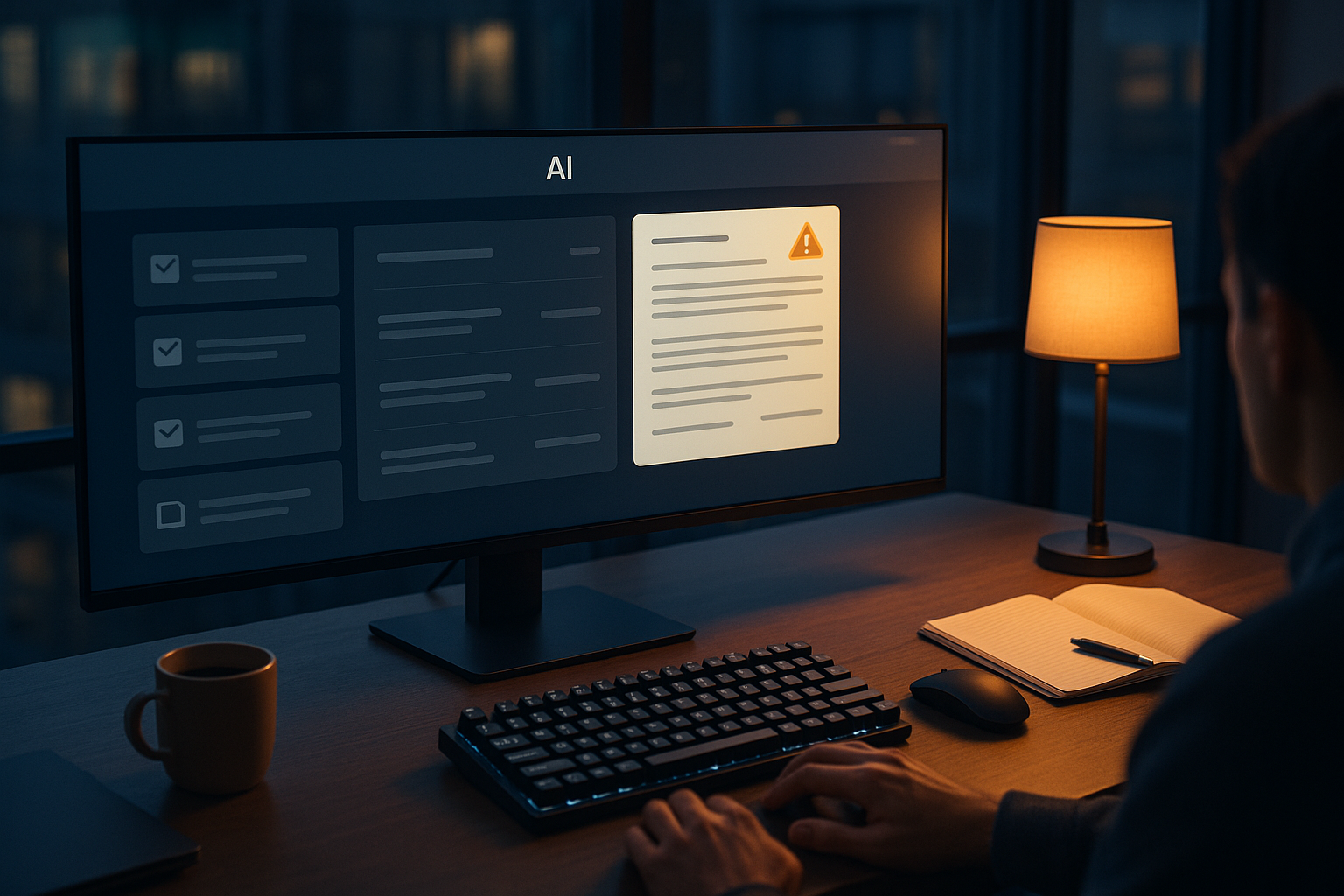
AI automation has moved from product demos into ordinary work. Companies now use AI tools for work to sort emails, summarize meetings, draft reports, answer routine customer questions, extract data from documents, and help write code. The practical question is no longer whether automation is coming. It is where it should stop.
That matters because the debate is often framed the wrong way. It is not really “AI versus humans.” It is which parts of a job can be automated safely, cheaply, and well, and which parts still need human judgment, responsibility, and trust. The tension is clear: the more businesses automate, the more speed and cost savings they can get. But the more they automate without clear limits, the more they risk mistakes, unfair decisions, security problems, and a workplace where nobody is fully accountable.
Most jobs are bundles of tasks, not one thing
The biggest mistake in this debate is treating jobs as single units. A customer support role is not one task. It includes reading messages, checking account details, applying policy, calming angry people, spotting fraud, and knowing when a case is unusual. A marketing role includes research, drafting, editing, brand judgment, coordination, and approval. A nurse does not just “deliver care.” The job also includes documentation, observation, communication, and fast decisions when something changes.
That matters because AI automation usually works best at the task level, not the job level. It can remove parts of work without replacing the whole role. In many offices, that is already the real story. Workers are not being replaced by one giant machine. They are being surrounded by smaller systems that automate pieces of their day.
This is why some companies feel both excited and disappointed. AI can save time, but it rarely removes the need for people entirely. It changes the shape of work more often than it eliminates it.
What AI can automate well
AI automation works best when the task has five features: it is repetitive, rules-based, high-volume, low-risk, and easy to check. When those conditions exist, automation can be very useful.
- Sorting and routing work: classifying support tickets, sending invoices to the right queue, labeling incoming documents, flagging likely spam.
- Summarizing information: turning long meetings into notes, pulling key points from contracts, creating short updates from large documents.
- Drafting first versions: writing standard emails, creating rough reports, generating product descriptions, preparing routine internal memos.
- Extracting structured data: reading forms, receipts, purchase orders, or invoices and moving the information into business systems.
- Monitoring for patterns: finding duplicates, spotting unusual transactions, comparing documents for differences, identifying missing fields.
- Assisting technical work: suggesting code, writing test cases, explaining standard functions, or converting one format into another.
These uses are not glamorous, but they are where the value often is. They reduce manual effort, shorten turnaround times, and let staff focus on more demanding work. In the right setting, an AI assistant can act like a very fast junior helper for narrow tasks.
That is the promise. But even in these cases, “automated” does not have to mean “left alone.” Many successful systems keep a person in the loop for approval, review, or spot checks. That is often the difference between useful automation and expensive cleanup.
Where automation starts to break down
AI systems are much weaker when a task depends on context that is incomplete, changing, sensitive, or hard to express in rules. They also struggle when the cost of a mistake is high.
Consider hiring. AI can help screen for required qualifications or summarize applications. But hiring is not just pattern matching. It involves fairness, judgment, legal risk, and an understanding of team fit that cannot be reduced to a simple score. If an automated filter quietly pushes good candidates out, the damage may not be obvious until much later.
The same is true in healthcare. AI can assist with note-taking, scheduling, coding, and image analysis support. But diagnosis, treatment choices, and conversations with patients still require clinical judgment and accountability. If the case is unusual, if symptoms are unclear, or if the patient’s situation is complicated, automation can support the process but should not own it.
Finance offers another example. Automating invoice handling is sensible. Automating a final decision to deny a loan, freeze an account, or report suspicious activity is far more serious. These actions can affect livelihoods. They need oversight, explanations, and a clear path for review.
What still needs humans
Human work becomes more valuable, not less, when the task involves ambiguity, trade-offs, or trust. These are the areas where automation still runs into limits.
- Judgment under uncertainty: deciding what matters when the facts are incomplete or conflicting.
- Accountability: taking responsibility for a decision, especially when the stakes are high.
- Ethical choices: balancing fairness, harm, privacy, and competing interests.
- Relationship work: managing conflict, building trust, persuading, coaching, or delivering difficult news.
- Novel situations: handling cases that do not match past patterns or standard workflows.
- Final approval: signing off on legal, financial, medical, employment, or safety-related outcomes.
These are not vague “human qualities.” They are practical business needs. When something goes wrong, organizations need someone who can explain what happened, why a decision was made, and whether it should be reversed. An automated process cannot carry that responsibility on its own.
The real boundary is not intelligence. It is risk.
A common argument is that AI keeps improving, so today’s limits will not last. That is true up to a point. Systems will get better at reasoning across documents, handling more complex workflows, and producing stronger first drafts. Some work that still needs close supervision today will become more automatable.
But improvement in capability does not erase the issue of risk. A system can be impressive and still be unsuitable for unsupervised use in sensitive areas. A tool that is right 95 percent of the time may be helpful for drafting FAQs and completely unacceptable for approving benefits claims or making disciplinary decisions.
This is why the best test is not “Can the AI do it?” The better test is “What happens when it gets it wrong?” If the error is cheap, visible, and easy to fix, automation is easier to justify. If the error is costly, hidden, and hard to appeal, human control should remain strong.
Why companies get automation wrong
Businesses often make two opposite mistakes. One group underuses AI because it sounds risky or overhyped. That leaves a lot of routine work untouched. The other group automates too aggressively because the short-term savings look attractive. That can create more errors, more customer complaints, and more hidden manual repair work.
There is also a management problem. It is easier to count the cost of staff time than the cost of a bad automated decision. So weak systems can look efficient on paper while pushing risk onto workers, customers, or the public.
Another mistake is assuming that if a system produces fluent language, it understands the task. In many office settings, clear writing can hide shaky reasoning. A polished output still needs checking when the content matters.
A better way to use AI at work
The sensible position is not to reject AI automation or to embrace it without limits. It is to automate in layers.
Start with low-risk, repetitive tasks. Measure actual time savings. Track error rates. Keep humans involved where decisions affect money, safety, rights, or reputation. Build review processes before problems appear, not after. And redesign roles around stronger human work, not just smaller payrolls.
In practice, that means:
- Use AI to prepare, sort, summarize, and suggest.
- Use people to judge, approve, explain, and own the result.
- Automate routine steps inside a workflow, not the entire workflow by default.
- Require higher oversight as stakes rise.
- Give workers the authority to challenge or override automated output.
This approach is less dramatic than full replacement, but it is more realistic. It treats AI as infrastructure for productivity, not as a substitute for responsibility.
The case for human-AI collaboration
The strongest case for AI automation is also the most modest one. It can remove drudge work, speed up research, reduce backlogs, and help people focus on tasks that need experience and care. That is a real gain. For many workers, the best AI assistant is not the one that tries to do the whole job. It is the one that handles the boring, repetitive parts reliably.
The strongest case for keeping humans in the loop is just as practical. Work is full of edge cases, sensitive situations, and consequences that spread beyond a spreadsheet. Customers want explanations. Employees want fair treatment. Regulators want accountability. Leaders want someone who can make a call when the script no longer fits. Those needs do not disappear because software becomes more capable.
The line to remember
AI automation should take the tasks that are routine, structured, and easy to verify. Humans should keep the work that is ambiguous, high-stakes, and tied to judgment or trust. That line will move over time, but it will not disappear.
The smartest organizations will not ask how to remove humans from work. They will ask where human effort matters most, then use automation to protect it for exactly those moments.