Your AI Agent Should Not Be a Master Key: A Human Checklist After the GitLost Report
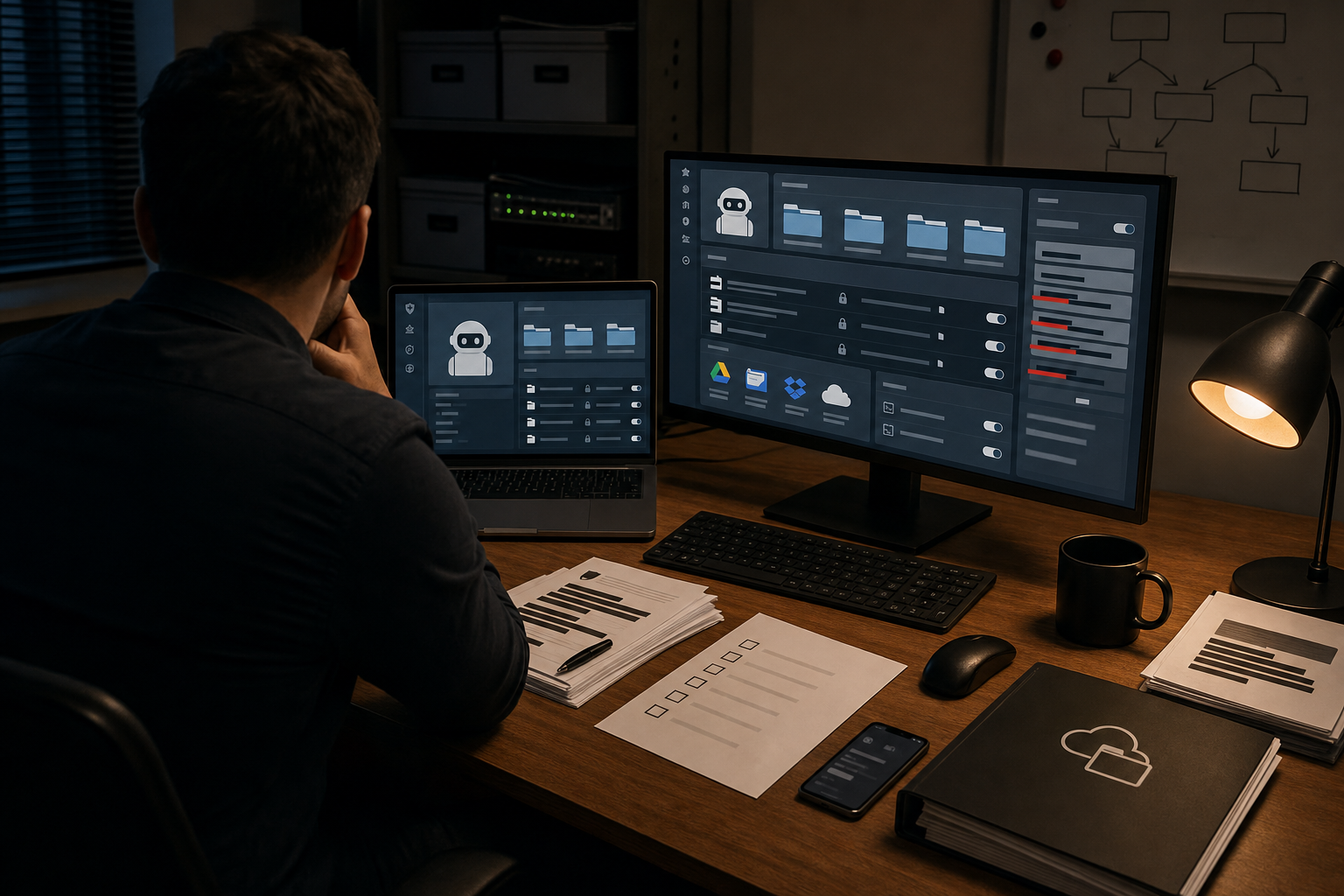
Public discussion around the reported GitLost private repository leak has pushed an important question into the open. What happens when an AI agent is not just answering prompts, but also connected to private repositories, shared drives, and other work systems? Some details of the GitLost case are still being discussed publicly, so the full picture may change. The core lesson already stands: once an AI tool can enter a private workspace, a permission mistake can become a real trust failure.
That matters well beyond software teams. Students store personal records in cloud folders. Editors keep unpublished drafts and source notes. Educators handle student work and sensitive data. Small teams often keep contracts, customer files, and internal plans in a few shared tools. The debate is not whether AI agents can be useful. Many clearly are. The real tension is between convenience and control. My view is simple: an AI agent should be a narrowly scoped assistant, not a master key.
The real problem is access, not just output
When people talk about AI risk, they often focus on bad answers, bias, or made-up facts. Those problems matter. But connected agents create a different kind of risk. The model may not need to “understand” a secret in any human sense to expose it. It only needs access to the wrong file, the wrong log, the wrong connector, or the wrong share setting.
That is why the GitLost discussion matters even to people who never touch code. A private repo leak is just one version of a broader pattern. An agent that can search all folders might surface salary data during a routine summary. A writing tool connected to an editor’s workspace might pull from embargoed drafts. A classroom assistant tied to a school drive could touch student records that should never be used for general experimentation.
The case for AI agents is real, but it has limits
There is a fair counterpoint here. AI agents are most useful when they have context. A coding assistant with access to one repository can do better work than one guessing in the dark. A research tool can save time if it can search a project folder. A calendar assistant is only helpful if it can actually see a calendar.
That is all true. But “needs some context” is not the same as “should get everything.” Too many setups treat broad access as the default price of convenience. That is the wrong trade. Good security practice has long favored least privilege: give a tool only the access it needs for a specific task, and no more. AI agents should follow the same rule.
A human checklist before you connect an agent
- List exactly what the agent can reach. Write down the repositories, folders, inboxes, docs, and apps in scope. If you cannot describe the access clearly, it is probably too broad.
- Start with read-only access. Let the tool search or summarize before you let it edit, send, publish, merge, or delete.
- Use a separate account. Do not connect an agent through your main personal or admin login. A dedicated account reduces the blast radius if something goes wrong.
- Limit access by project, not by organization. A student project folder is safer than an entire drive. One repository is safer than every repository.
- Keep sensitive categories out by default. Grades, health data, legal files, HR records, source identities, passwords, and private financial documents should require a stronger case and stronger controls.
- Check what the vendor stores. Ask where prompts, files, and outputs go, how long they are kept, and whether they may be used for product improvement or model training.
- Require human approval for external actions. No automatic emailing, public posting, code merging, or document sharing without review.
- Turn on logs and keep them. You should be able to see what the agent accessed, what it changed, and when.
- Use short-lived credentials. Give temporary access where possible, and remove it when the task, semester, or contract ends.
- Test in a low-risk environment first. Try the setup on sample material before connecting real class records, client files, or internal code.
- Have a shutoff plan. Know who can revoke access quickly and how to do it in minutes, not days.
- Train people on simple habits. The fastest way to create risk is still careless behavior: pasting secrets into prompts, linking the wrong folder, or using an agent from an overpowered account.
What careful use looks like in real life
For a student, careful use might mean letting an AI tool organize lecture notes, but not connecting it to personal email, recommendation letters, or scholarship documents. For an editor, it might mean using AI on published archives and style guides, while keeping source material and unpublished reporting out of scope. For an educator, it could mean generating lesson drafts from public materials, while excluding grades, accommodations, and private student records.
For a small team, the rule is similar. Let an agent help with a marketing folder or a single codebase if that clearly saves time. Do not casually connect it to every shared drive, contract folder, support inbox, and internal repository just because the setup screen makes that easy.
This is not a call to ban agents
The answer is not panic, and it is not a blanket ban. Used well, AI agents can remove repetitive work and help smaller teams do more with less. The better response is to stop treating access as a minor technical detail. Access is the decision. Once an agent is connected, every hidden folder, old draft, and forgotten token becomes part of the risk picture.
The GitLost discussion is a useful warning because it makes this visible. Trust in AI systems is not built by asking whether the output sounds smart. It is built by deciding what the system is allowed to touch, what a human must still approve, and how quickly the access can be withdrawn.
A simple rule after GitLost
If an AI agent can see everything, it can expose anything. Before you connect one, ask a blunt question: if this account were misused tomorrow, what exactly would be at risk? If the answer is vague, or if it includes files you would be embarrassed, legally exposed, or professionally harmed to lose, the tool has too much access.
Useful AI needs enough access to do a job. Safe AI needs clear limits. Choose the limits first.